Targets
Growth targets, milestones, tracking, and honesty.
What targets are for
A target is a measurable goal. Targets are what make improvement a number instead of a feeling.
There are two kinds.
Timeframe targets apply inside a date range. They answer questions like: over the next 30 days, is my win rate above 45 percent? When the range ends, the target has either been met or it has not, and that is useful information either way.
Milestone targets are levels you are working toward without a strict window. They answer questions like: have I reached 500 logged round trips? Milestones are for the long climb.
The Targets tab shows Growth Targets, and completed ones move under Achieved Targets.
A good target set is small. Two or three you genuinely care about will change your behavior. Twelve will be background noise.
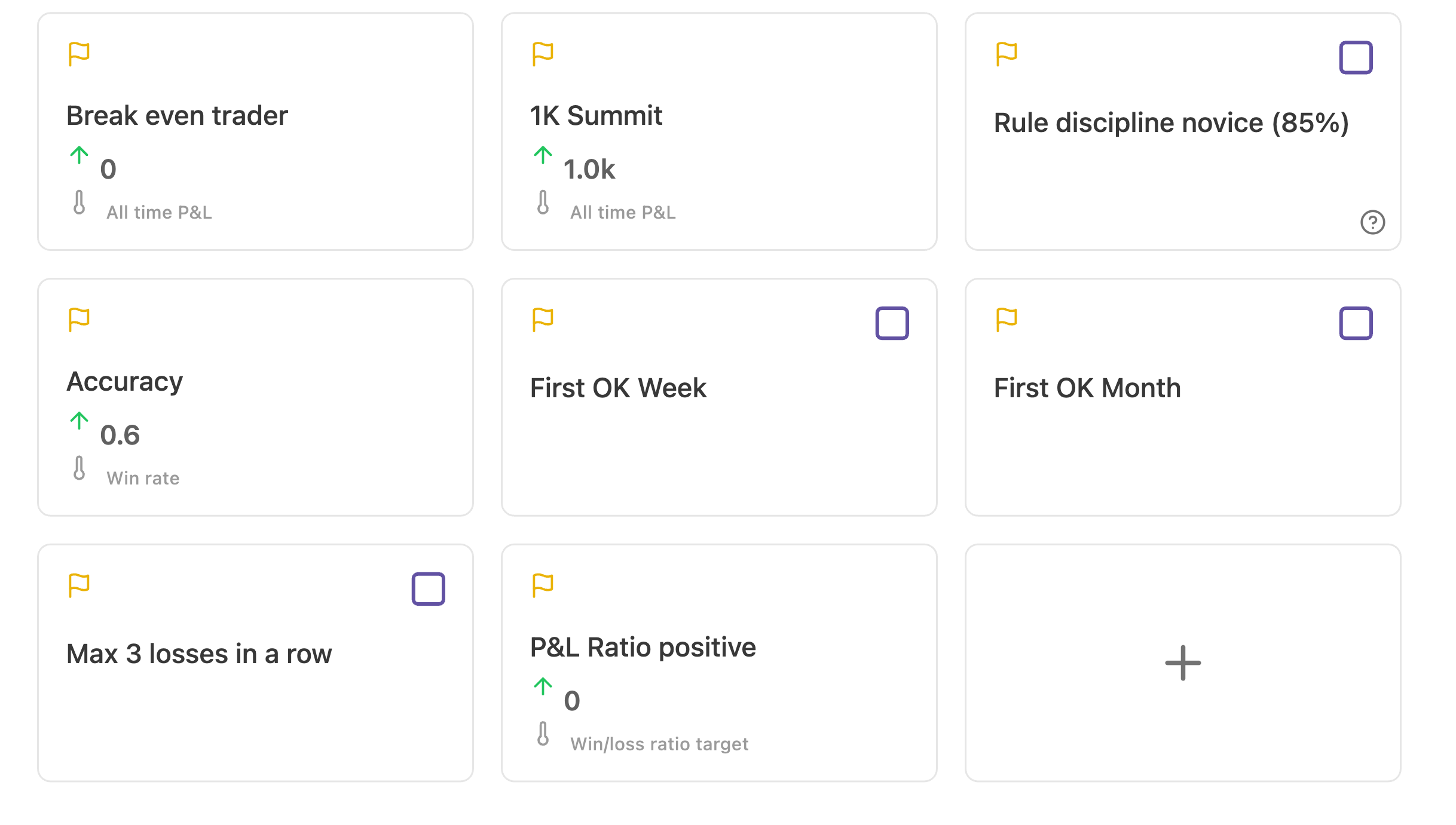
Creating a target
Create New Target offers two routes.
Create empty target gives you a blank one you configure yourself.
Presets are curated targets you can search by name, description, or category. Preset categories cover performance, risk, and activity. Presets already have a metric and a sensible direction attached, so they are the fastest way to get a working target if you are unsure which metric to pick.
After choosing, you pick the type: Timeframe Target or Milestone Target. The type determines whether the date range matters.
Target fields
The editor is split into Basic Info and Target Details.
Basic Info
| Field | Meaning |
|---|---|
| Name | What the target is called, shown in dashboards and reports |
| Order | Position in the list, lowest first |
| Description | Why this target exists. Worth writing, because in two months you will not remember |
| Date Range | Start and end for timeframe targets |
Target Details
| Field | Meaning |
|---|---|
| Tracked target | When on, the target is linked to a metric and measured automatically. When off, it is a reminder you resolve by hand |
| Metric | The published metric that produces the number |
| Metric Variant | A specific variant or segment of that metric, when the metric offers them |
| Direction | Above or Below. Milestones read as Above (>=) and Below (<=) |
| Value | The threshold you are measured against |
While editing, Previous and Next move between targets without going back to the list, Close returns, and Delete removes the target after confirming in Delete Target.
Tracked, untracked, and achieved
Tracked targets are measured from your data. You cannot argue with them, which is the point.
Untracked targets are for goals the product cannot compute: sleeping properly before sessions, journaling every day, not watching a position you already exited. You mark them yourself with Mark as Achieved, and the app asks Am I being honest to myself? before accepting it. Mark as Unachieved reverses it.
That question is not decoration. An untracked target you tick without thinking is worse than no target, because it manufactures false evidence of growth. If you cannot answer the question honestly, leave the target open.